Locket: Photo Vault for iPhone
Hide photos in secret albums
Sort photos and videos into albums that only open for you. Free to keep. No ads.

01
Hide photos on iPhone
Face ID opens Locket with your face only. Your iPhone passcode is not a way in.
02 Pro
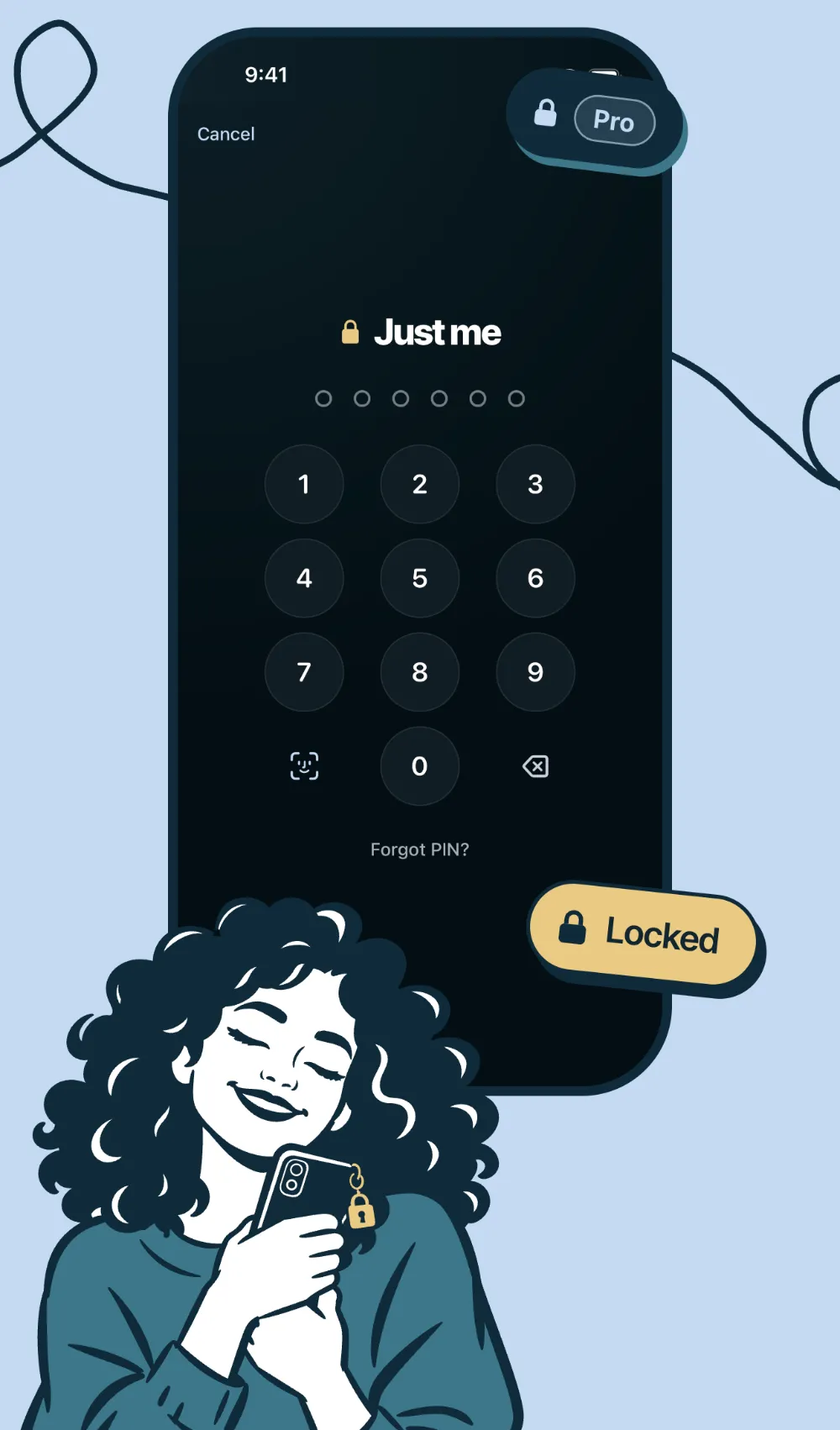
Lock the albums that matter
Albums are free. A locked album has its own PIN, locks again when you leave, and stays out of All items.
03
Share with just your person
Share up to 25 items free with one person.

04
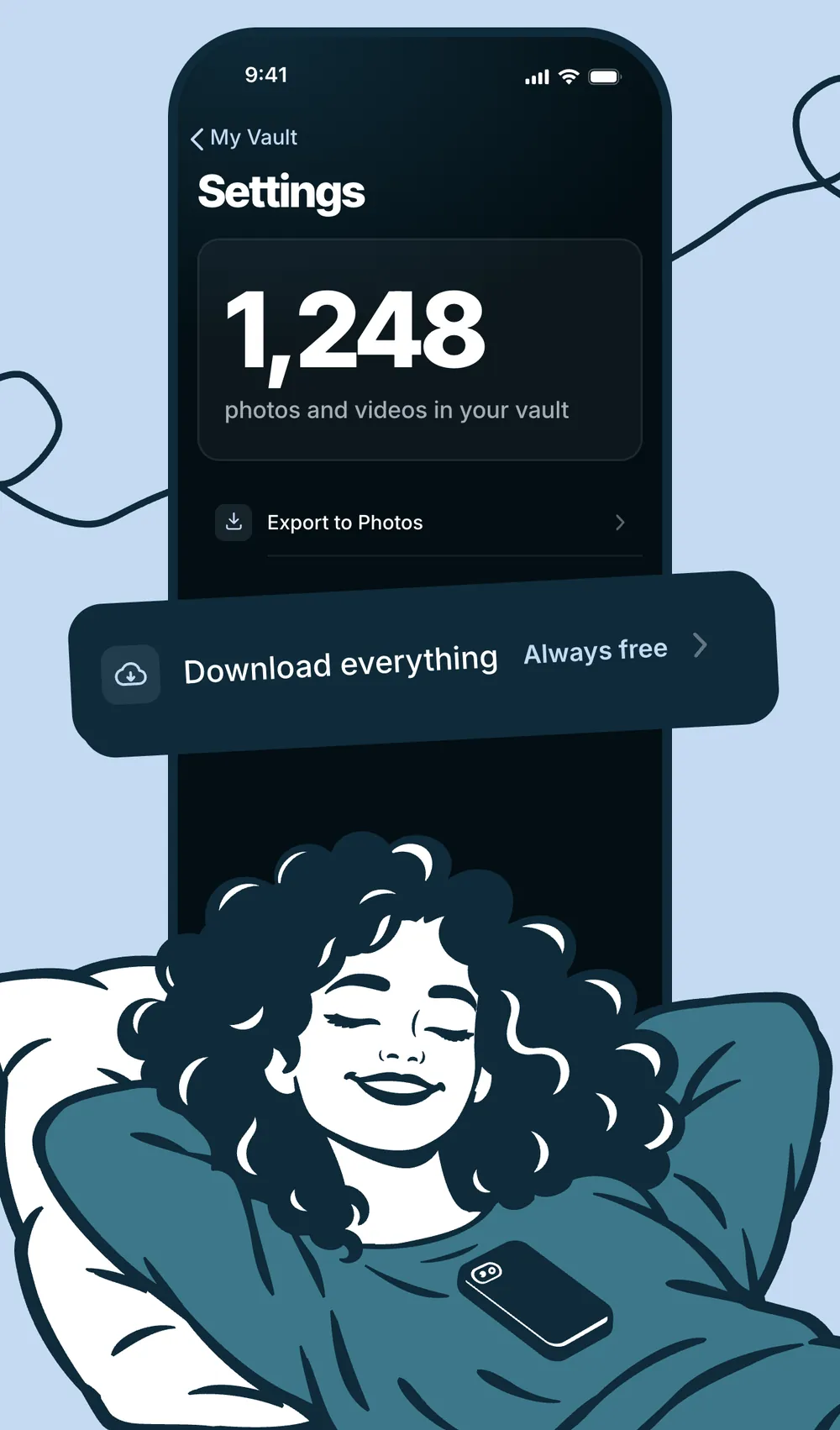
Keep every photo free
Free to keep and export. No ads.
05 Pro
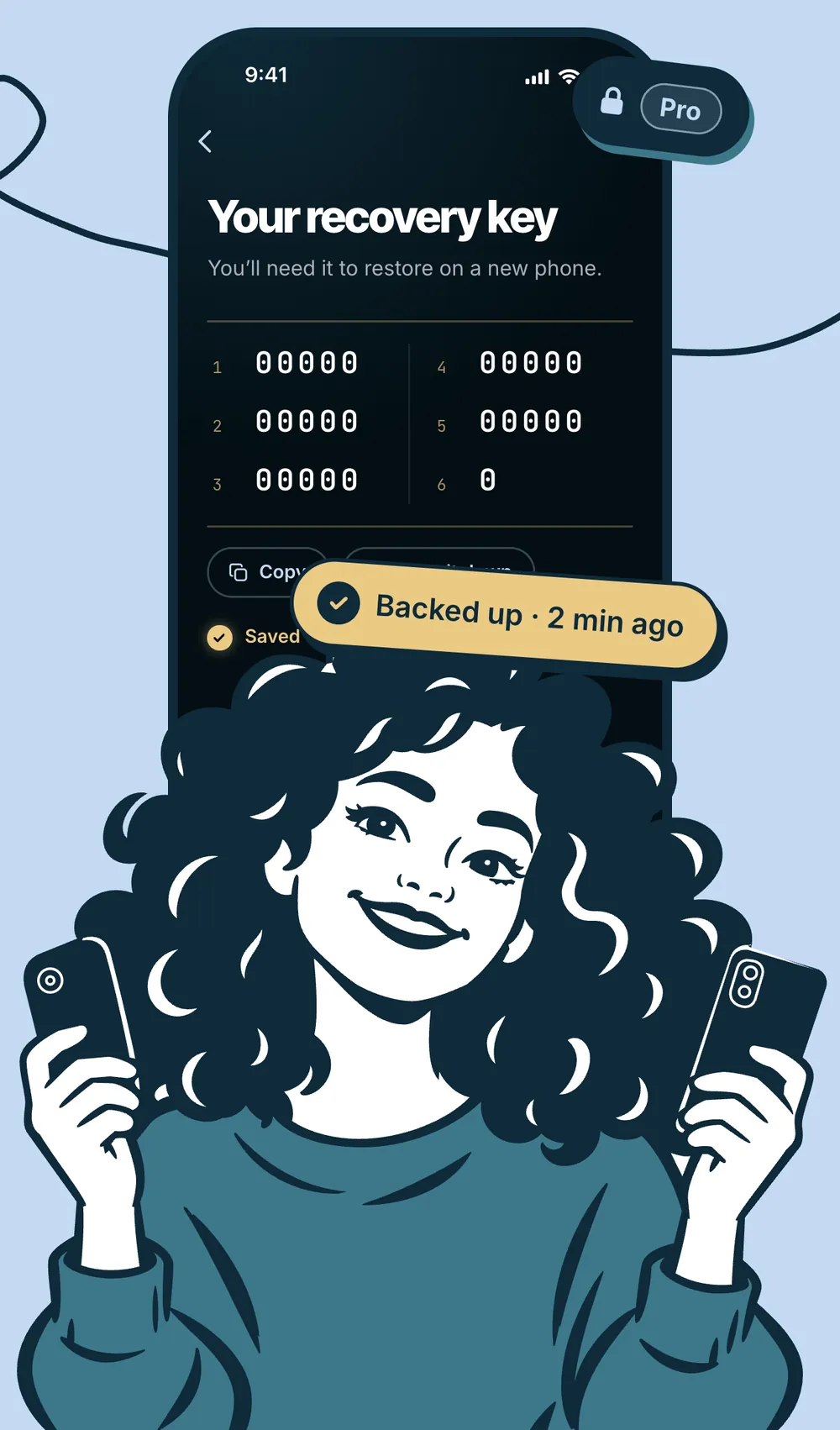
Back up your vault to a new phone
Encrypted on your iPhone before upload. Only you hold the key.
06 Pro
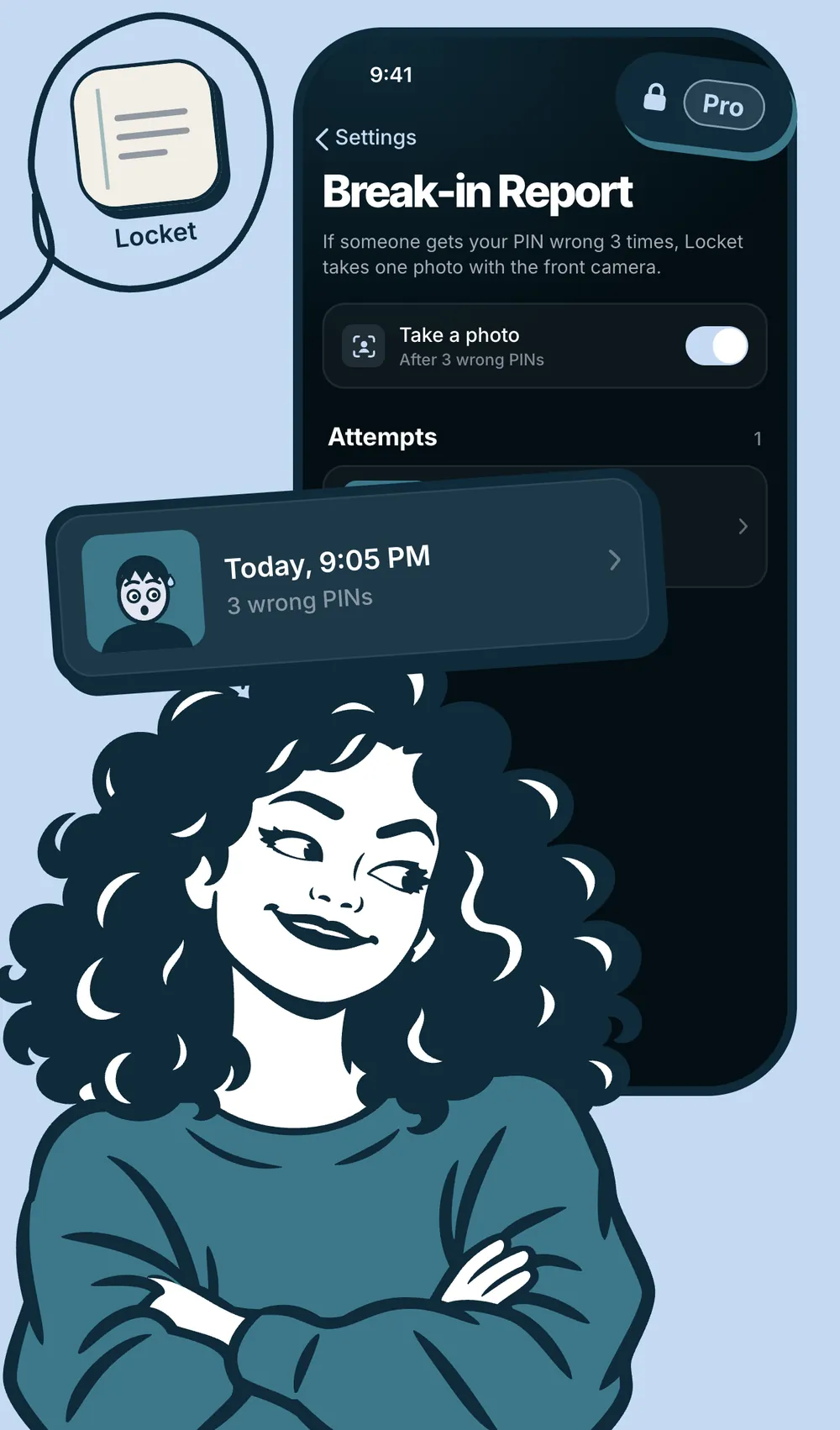
Catch anyone who snoops
After 3 wrong PINs Locket takes one photo with the front camera.
Locket Pro
What you save stays free. Pro is there when you want more.
-
Pro
Locked albums
Each locked album has its own PIN and locks again when you leave.
-
Pro
Encrypted Backup
Encrypted on your iPhone before upload. Only you hold the key.
-
Pro
Break-in Report
After 3 wrong PINs Locket takes one photo with the front camera.
-
Pro
Decoy Password
A second PIN opens a harmless decoy vault.
-
Pro
Disguised Icon
Make Locket look like a notepad, a forecast or a keypad.
Is Locket free?
Yes. Store as many photos and videos on your iPhone as you like, free. Viewing, exporting and deleting are never behind a paywall, and there are no ads. Albums are free too. Locket Pro adds locked albums, Encrypted Backup, Break-in Report, Decoy Password and Disguised Icon.
Can someone get in with my iPhone passcode?
No. Face ID opens Locket with your face only. Your iPhone passcode is not a way in. Without Face ID, Locket asks for your own 6-digit PIN.
Does Locket upload my photos?
Only if you choose to. Backup is optional and stays off until you turn it on, and your photos are encrypted on your iPhone before they upload, so we can't see them. Photos you share with your linked person are sent to them. No account, email or phone number needed.
What happens if I get a new phone?
Turn on Encrypted Backup (Pro) and save your 26-character recovery key. On the new phone, tap Restore from backup, paste the key and enter your vault PIN. Restoring is free. We can't recover a lost key, so write it down.
Do imported photos leave my camera roll?
Imports are copies, so the original stays in Photos until you delete it there. Photos you take with Locket's own camera never land in your camera roll.
Is this the Locket widget app?
No. Locket: Photo Vault is a private photo vault for iPhone. The Locket photo widget is a different app.